Output Rev X-Loops
Output Rev X-Loops
This listing has ended
See similar gear from other Reverb sellers

Our users rate Reverb
A World of Sound Design
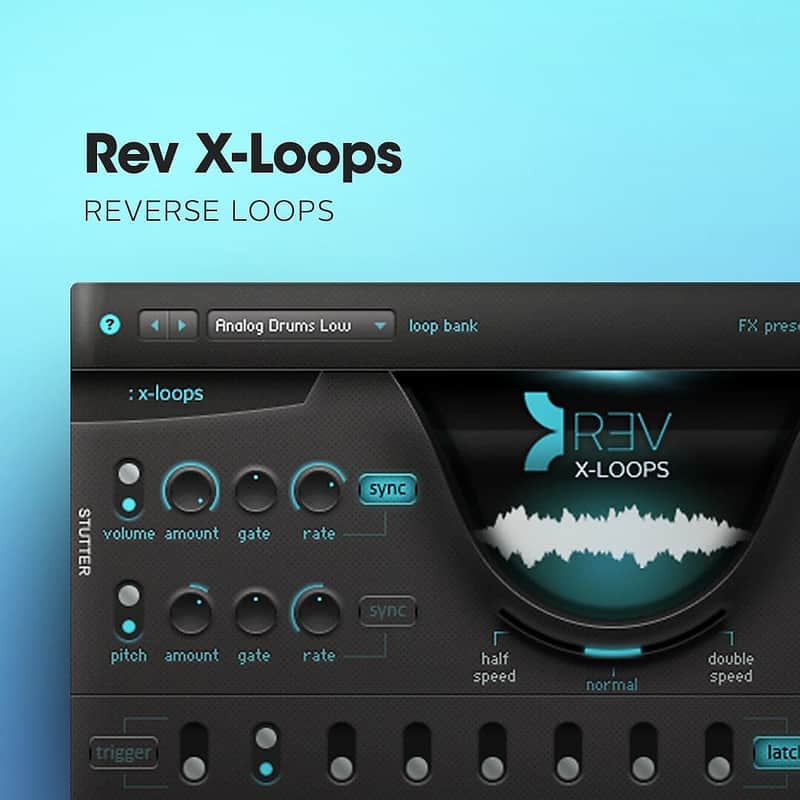
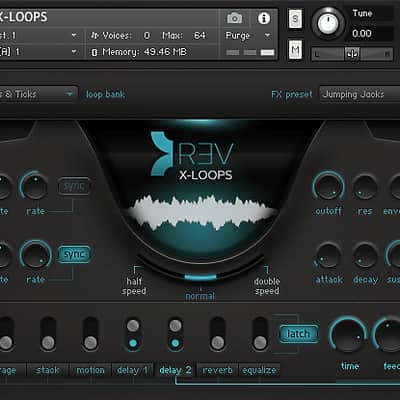
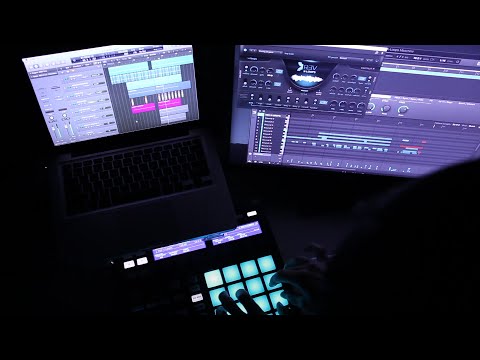
By customer demand, Output presents REV X-LOOPS - the acclaimed REV loops engine on it’s own with ALL NEW content, presets and snapshots. Their award-winning team of sound designers spent months recording live instruments, field recordings and walls of analog gear just to flip in reverse and tweak. The result is that elusive modern sound everyone wants. And with the ability to combine, stutter, filter, re-pitch and play live - these sounds now become unique to you and only you. It’s the perfect instrument for the producer, DJ, composer, performing artist and sound designer.
Even though REV X-LOOPS is the perfect partner to REV, it’s a separate engine not requiring REV to run.
Loop Categories:
- Pretty Organic
- Muted Pianos
- Violin Plucks
- Clean Atmospheric
- Dirty Atmospheric
- Mandolin and Guitar
- Swells
- Rise and Repeat
- Bells and Harps
- Aggressive
- Sound Design
- Fat and Low
- Sticks & Ticks
- Cymbal and Shaker
- Drum Set
- Analog Drums High
- Analog Drums Low
- Junk and Metal
- Industrial
- Stomps and Claps
- Tribal Beat
- 2GB of brand new multi-layered loops (uncompressed)
- Over 20 new categories
- Over 50 FX presets and snapshots
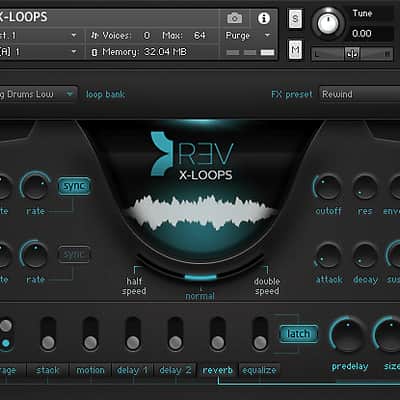
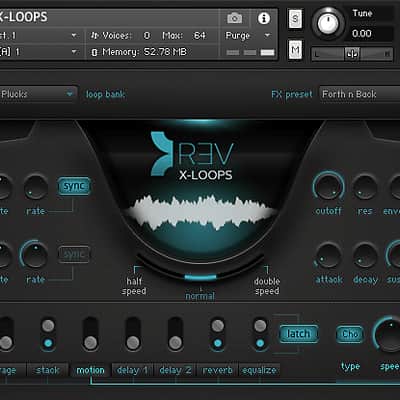
- Complete FX section including Stutter, Reverb, Delay, EQ, Rage, Lo-Fi and more
- Loops include a mixture of forward and reverse sounds
- All Loops auto-map to a MIDI keyboard and tempo locked
- Easily change the key of any loop
- Trigger FX using a MIDI keyboard
- Power of the acclaimed REV engine at $99
- Infinite starting points for your track
- That elusive modern sound we’re all searching for.
Compatibility
System Requirements:
- Mac OS X 10.7, OS X 10.8 or higher is recommended**
- Windows 7 or higher
- 4GB of RAM
- At least 42 GB of free drive space
- Kontakt 5.3.1 or higher
SUPPORTED INTERFACES
- Stand-alone
- VST
- Audio Units
- RTAS (Pro Tools 9 + 10)
- ASIO
- CoreAudio
- WASAPI
- AAX Native (Pro Tools 10)
- 64-bit AAX plugins (Pro Tools 11)
Installation Instructions
1. Using the code given to you by Reverb Digital, register your product with your Output account at https://output.com/register
2. Download Output Hub, launch the application, and sign into your Output account: https://output.com/hub
3. Find your product in the 'My Products' area and click 'DOWNLOAD' to begin installation.
| Brand | |
|---|---|
| Model |
|
| Categories |
Product safety information may be available here.