DigiTech TRIO+ Band Creator Looper - Effect for Guitars
Il venditore non ha impostato il costo di spedizione per Stati Uniti continentali. Per favore contatta e chiedigli il costo della spedizione.


Politica per i resi entro 30 giorni
Concediti il massimo della tranquillità con il tuo nuovo strumento
I nostri utenti valutano Reverb
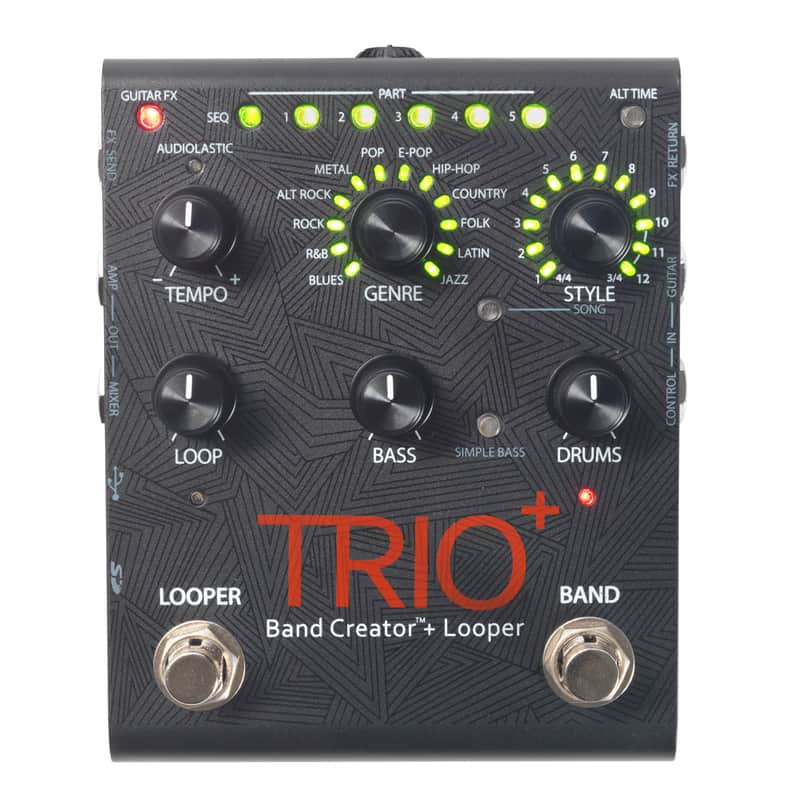
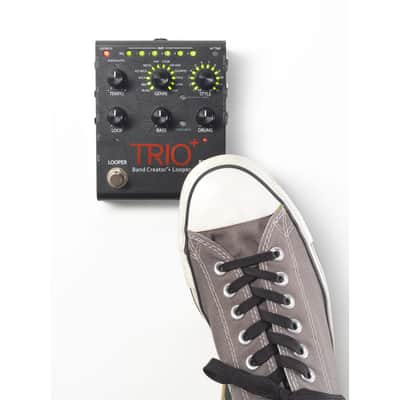
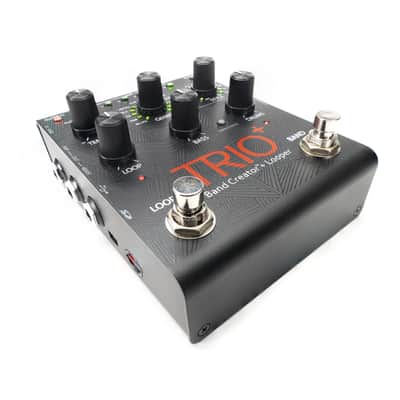
With the Trio+, DigiTech has given the popular Trio Band Creator its own useful update with a side mounted effect loop inputs as well as a looper function. As with the original, Bass & Drums backing tracks in 12 different genres with 12 Styles each are available. This sophisticated pedal is able to learn the perfect accompaniment through the player’s style and takeover the learned harmony. Additionally, the integrated loop function allows for the integration of more tracks such as rhythm guitar or bass lines.
- Trio+ Band Creator and Looper
- 12 Genres with 12 Styles each
- Bass and Drums individually adjustable
- Tempo-Control
- Up to 5 different selectable song parts
- 3 Bass Line Modes
- Integrated Looper with unrestricted Overdubs and Undo function
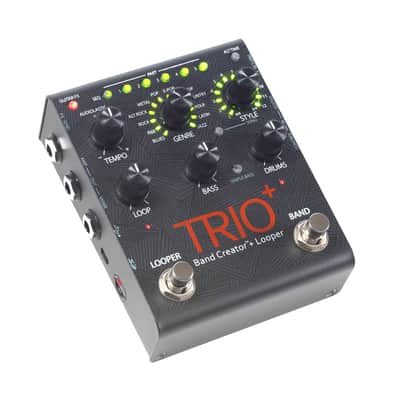
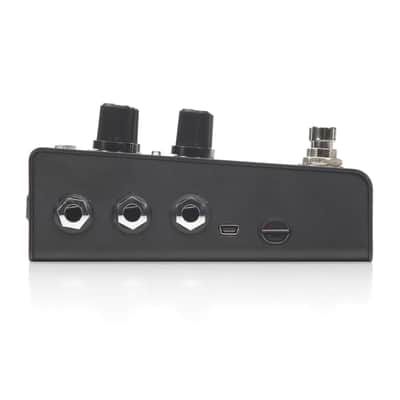
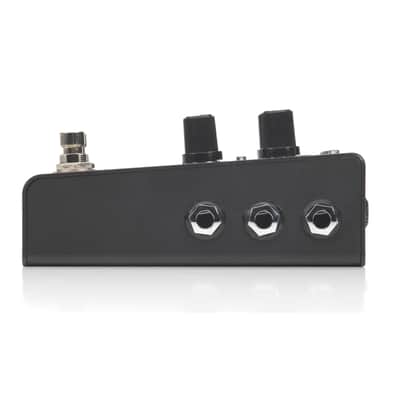
- Outputs for Amp & Mixer
- Effect loop
- Connections for MicroSD cards to save loops
- Incl. Power adapter
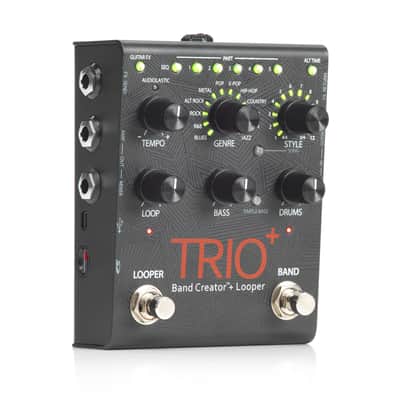
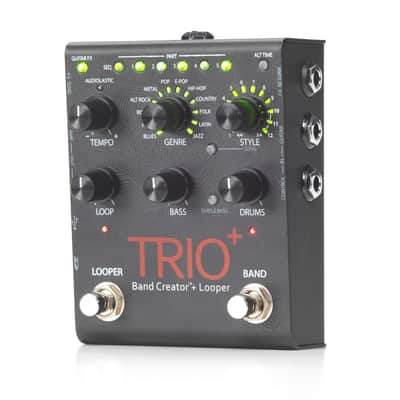
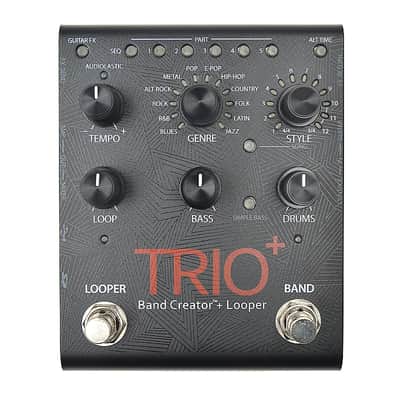
- SEQUENCE Button to program the song sequence. Once a sequence is programmed, pressing this button will turn Sequence mode on or off.
- PART Buttons - The TRIO+ can learn up to 5 different song parts (for example, an intro, verse, chorus, bridge, and outro). The PART 1-5 buttons are used to select between these 5 parts. The PART buttons have 7 states (e.g. Intro, Refrain, Bridge, etc.)
- GUITAR FX Button to apply the built-in effects to your guitar signal.
- ALT TIME Button selects an alternate interpretation of the selected song part's tempo — usually this is either double or half the current tempo since this can be ambiguous. If the TRIO+ can't find a suitable tempo and number of bars by halving or doubling, the alternate time will remain the same as the original timing.
- The TEMPO knob adjusts the TRIO+'s global playback tempo and was designed to adjust the tempo of a song after it is complete.
- STYLE Knob selects between the various styles available for each genre. Once a song part has been learned by theTRIO+, the multi-colored LEDs surrounding the STYLE knob will light to indicate which selections are the best match for the part — based on the selected genre — and the style that best matches the part will be automatically selected.
- GENRE Knob selects the genre type for the selected song part. Genres can be selected before or after teaching the RIO+ your song parts, so you're free to experiment and change genres at any time. As you select genres, the LEDs round the STYLE knob will update to identify which styles are best suited for your song part based on the genre elected.
- SONG Button to access song selection.
- LOOP Knob adjusts the level of your recorded loop and overdubs in the mix. When set to the 12 o'clock position, loop playback level will match the guitar input level (unity gain).
- DRUMS Knob adjusts the level of the drums in the mix.
- BASS Knob adjusts the level of the bass in the mix.
- SIMPLE BASS Button to select a simpler bass line.
- microSD Card Slot - A compatible microSD card (included) must be properly installed in this slot for the TRIO+ to operate. If a compatible microSD card is not detected, all PART buttons will flash amber.
- LOOPER Footswitch & LED to record loops and overdubs.
- BAND Footswitch & LED changes the TRIO+'s state. It is used to teach the band, start and stop band and loop playback, and clear the band.
| Condizione | Nuovo (Nuovo) Gli articoli "Nuovi” sono venduti da un rivenditore autorizzato o dal produttore originale e comprendono l’imballo originale.Scopri di più |
|---|---|
| Marchio | |
| Modello |
|
| Categorie |
Le informazioni sulla sicurezza del prodotto sono disponibili qui.

Protezione di Reverb
Resi semplici, transazioni sicure, assistenza di persone in carne e ossa
Scopri di più