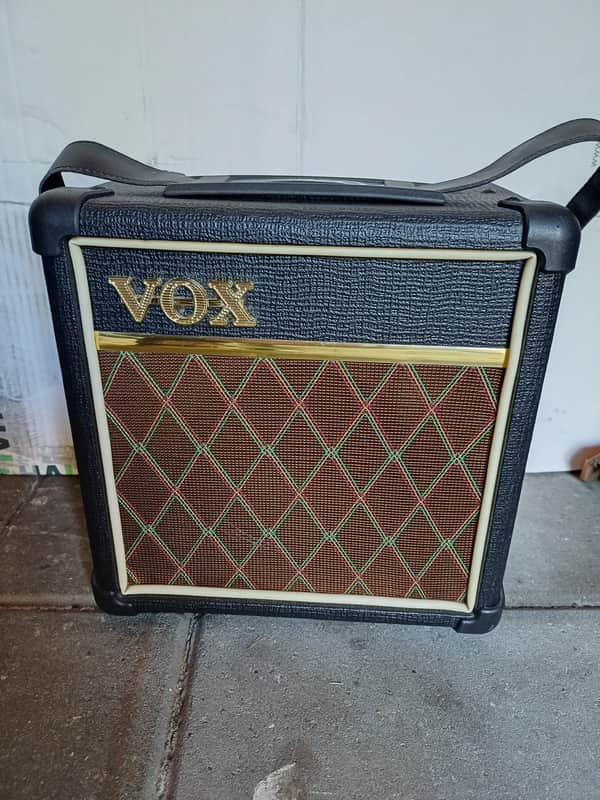
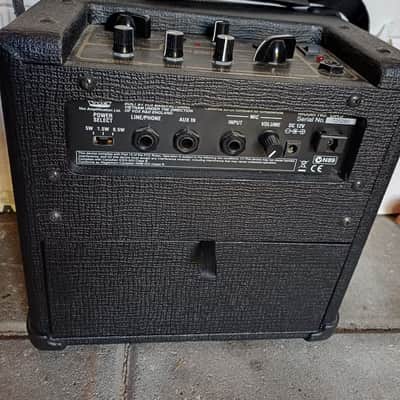
Vox DA5 Classic 5W 1x6.5 Guitar Combo 2010s - Black
Dieser Verkäufer hat keine Versandkosten für USA hinterlegt. Bitte Kontakt ihn bezüglich Versand.


Seltener Fund
Diese sieht man nicht oft
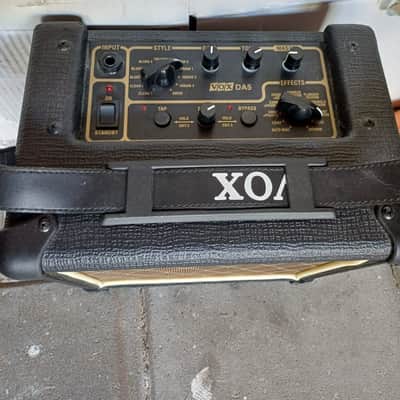
The VOX DA5 is a versatile 5-watt portable practice amp. Its built-in digital effects section features 11 distinct effects settings, many of which utilize the reverb: How to use Reverb on the VOX DA5To activate and adjust the reverb, use the top control panel:
- Select the Effect: Turn the EFFECTS rotary knob to REVERB (or one of the combo options listed below).
- Adjust the Intensity: Turn the EDIT 1 knob to dial in how much reverb you want in your signal.
- Adjust Reverb Time: Press the TAP switch twice to manually set the decay time of the reverb.
- Bypass Effects: Make sure the BYPASS LED is dark. If it is lit, your effects are turned off.
Available Reverb CombinationsThe DA5 allows you to run reverb by itself or combined with modulation effects:
- Reverb (Standalone)
- Chorus + Reverb
- Flanger + Reverb
- Tremolo + Reverb
- Rotary + Reverb
Tip: If you choose a combination like "Chorus + Reverb" but only want the chorus, you can hold down the BYPASS button while turning the EDIT 1 knob all the way to the right to roll off the reverb volume.
Reverb-Käuferschutz
Reverb hilft dir weiter, wenn dein Artikel verloren geht, beschädigt ist oder nicht der Beschreibung entspricht. Melde alle Probleme einfach innerhalb von 7 Tagen und wir verhelfen dir zu einer vollständigen Rückerstattung.Erfahre mehr über den Reverb-Käuferschutz.
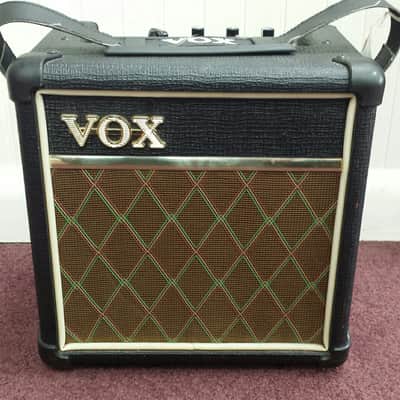
| Inseriert | vor 9 Tagen |
|---|---|
| Zustand | Hervorragend (Gebraucht) Hervorragende Artikel sind fast ohne Gebrauchsspuren oder optische Fehler, aber wurden gespielt und vorsichtig benutzt.Weitere Informationen |
| Marke | |
| Modell |
|
| Farbe |
|
| Kategorien | |
| Jahr |
|
| Anzahl der Eingänge |
|
| Lautsprecherkonfiguration |
|
| Röhren-Typ |
|
| Eingebaute Effekte |
|
| Reverb |
|
| Elektronik |
|
| Farbfamilie |
|
| Anzahl der Kanäle |
|
| Ausgangsleistung (Watt) |
|
Möglicherweise sind hier Informationen zur Produktsicherheit verfügbar.


Reverb-Schutz
Einfache Rücksendungen, sichere Transaktionen, Support von Experten
Weitere Informationen