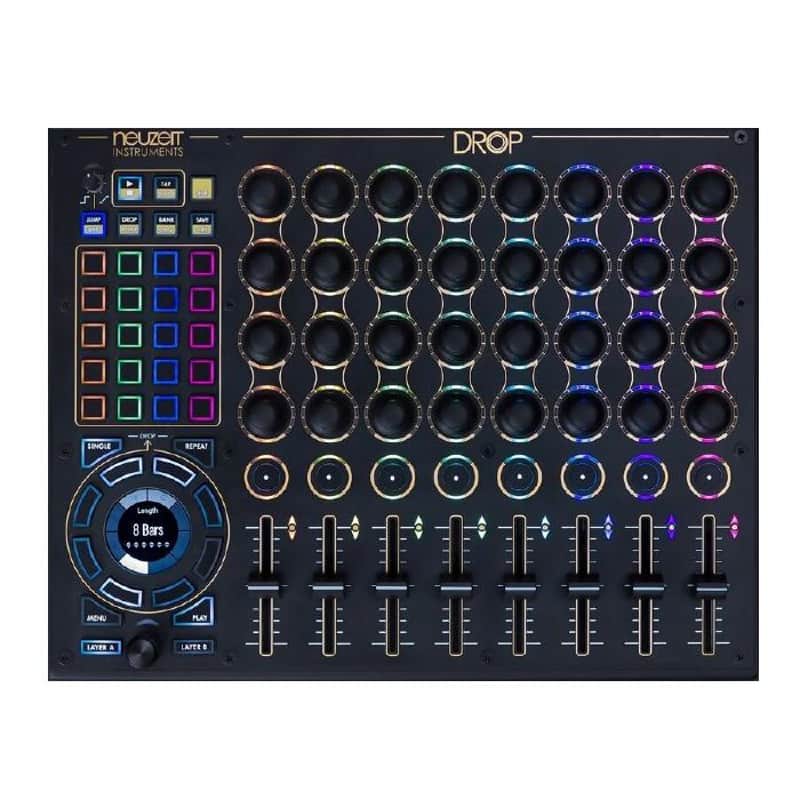
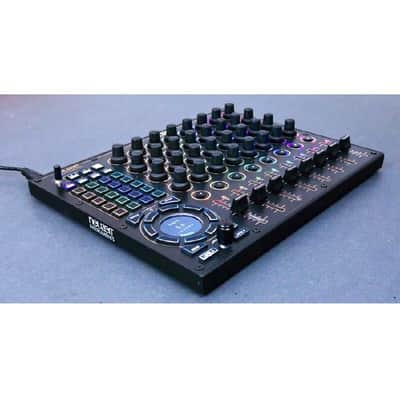
Neuzeit Drop Snapshot-Based MIDI Control Center for Live Performance
Ce vendeur n'a pas défini de coût d'expédition pour la localisation France. Veuillez prendre contacter avec lui pour lui demander plus de détails sur l'expédition.
Prix€884.44
+ Expédition

Plus qu’un exemplaire
Ne le laissez pas passer
Mis en ligne:il y a plus d'un mois
Vues:61
Ajouts aux favoris:1
London, Royaume-Uni

Politique de retour de 14 jours
Profitez de votre nouveau matériel en toute sérénité
Nos utilisateurs évaluent Reverb
Which live performer doesn't know this situation: You build the tension to immeasurable heights, add another filter here, three more effects there, hands go up in the air, everyone's waiting for the big drop and then you realize: You can't find your way out of the chaos you've created!
The sweat on your forehead drips onto your equipment, and in a firework of spraying sparks, your devices and your fans say goodbye forever.
This doesn't have to happen!
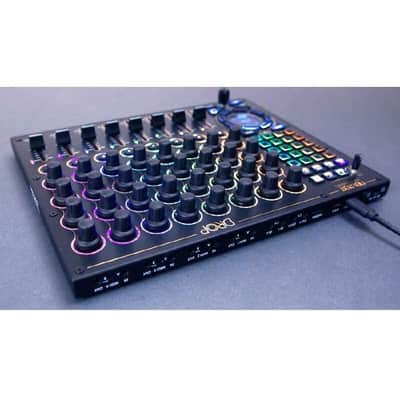
With Drop, you can now map your MIDI equipment across devices and easily store different controller positions as snapshots. During performance, you can jump back to these snapshots at any time (JUMP mode) and trigger them. All of this can be quantized and with variable fade time, allowing you to use a snapshot for slowly building tension and automatically have multiple controllers move simultaneously.
A particularly useful feature, is firing snapshots in DROP mode at exactly the right moment, precisely at the end of a pattern of, for example, 8 bars. For this purpose, Drop features an integrated master clock that counts any number between 1 and 32 bars (= cycle). In DROP mode, you can schedule a snapshot to trigger at the end of a cycle, build tension and go crazy on effects until then, and lean back as the snapshot automatically turns the controllers at exactly the right moment, bringing your live set back to solid ground.
Saving and recalling snapshots is quick and simple even during live situations, allowing you to work spontaneously with new snapshots on-the-fly during your performance. The LED buttons always provide clear visual feedback about what's happening. If you want to plan further ahead, you can prepare sequences of DROP snapshots according to your song arrangement in the studio. Then use CHAIN mode to automatically trigger them sequentially on stage. Multiple chains and banks of snapshots are available, allowing you to configure your live set according to a song-by-song structure.
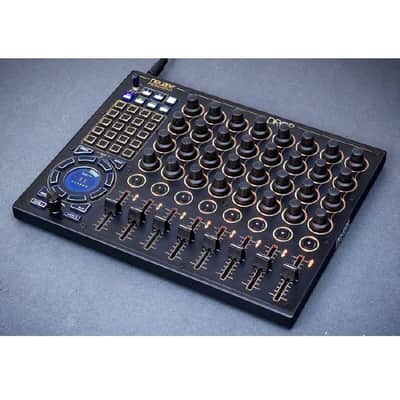
As with our Warp Synthesizer, Drop has two main operating levels: The PLAY level with direct hands-on access to the most important parameters, and the MENU level for studio configuration. The PLAY level is reduced to the essentials, such as the clear progress display (how many bars until the DROP at the end of the cycle), similar to a countdown clock. The buttons can be used for beat jumps, allowing you to spontaneously extend or shorten a break. Also, the number of bars per cycle and the quantization behavior can be changed on-the-fly. Everything is easily and directly accessible without submenus or hidden button combinations.
Mapping is done in the MENU level, directly on the device. No additional software is required, ensuring Drop isn't dependent on outdated operating systems in the future. Copy/paste/move functions and MIDI-Learn help with quick setup. Furthermore, an integrated MIDI monitor allows recording and analyzing incoming and outgoing messages. All possible MIDI commands are supported, including 14-bit CCs (NRPN), Program Change, Bank Select, Aftertouch, Pitchbend, and of course CCs and Notes.
Each controller enables macro mapping by sending up to eight different MIDI messages simultaneously to any MIDI output port. Individual curves can be assigned to each destination. This allows you to control multiple devices simultaneously with one knob, giving you a manageable number of highly expressive controls for your live set.
MIDI messages can also be assigned to snapshots, so that, for example, device programs and banks can be changed automatically in sync with a snapshot DROP.
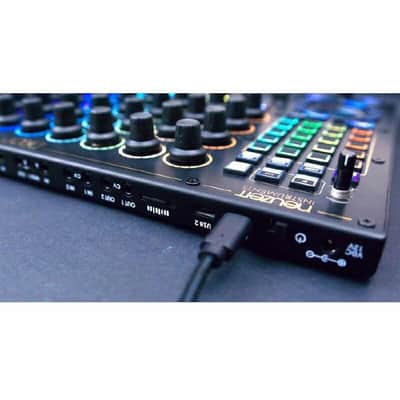
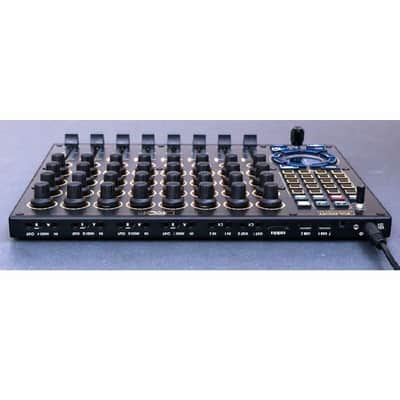
On the output side, four MIDI In/Out ports via TRS jacks (types A and B) and two USB-C ports are available. Device and host modes are automatically detected, allowing connection not only to synths and grooveboxes but also to external keyboards, two laptops, or other MIDI controllers via USB.
Thanks to the multiple outputs, each connected device gets its own dedicated MIDI port with full data rate and all 16 MIDI channels, plus its own independent MIDI clock. This can even be adjusted individually for each output down to the millisecond, ensuring all devices run in perfect sync. Additionally, there are two CV outputs that can also be used for clock signals or as freely assignable 0-5V CV voltages. If one of the receiving devices accidentally falls out of sync, e.g., by accidentally pressing the stop/play button, Drop offers a quickly accessible resync button that resynchronizes all devices at the beginning of the next bar. As a master clock generator, there's also a nudge function for manual beat matching (DJ-style), or you can simply synchronize Drop to an incoming MIDI clock or a 0-5V clock from your modular system.
Another function is the reception and forwarding of incoming MIDI signals. Via the MIDI merge function, incoming messages can be filtered by channel and distributed to the connected devices. This allows a master sequencer that outputs seque
| État | Neuf (neuf) Le matériel en état « Neuf » n'est vendu que par un vendeur autorisé ou un fabricant et inclut l'emballage d'origine.En savoir plus |
|---|---|
| Marque | |
| Modèle |
|
| Catégories |
Des informations concernant la sécurité des produits peuvent être disponibles ici.

