Kuassa Efektor Modulation Bundle
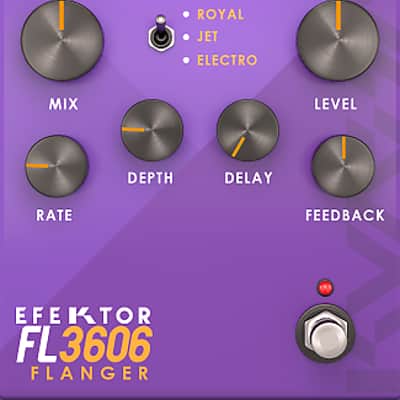
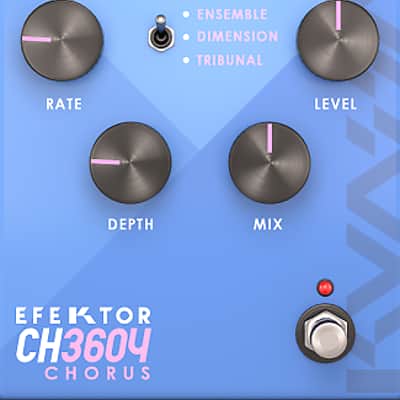

Kuassa Efektor Modulation Bundle
Nouveau prix€65.92
TVA incl.
Téléchargement instantané
Cette annonce est terminée
Découvrez du matériel similaire proposé par d'autres vendeurs Reverb
Mis en ligne:il y a plus d'un mois
Vues:1 280
Ajouts aux favoris:6

Chicago, IL, États-Unis
Nos utilisateurs évaluent Reverb
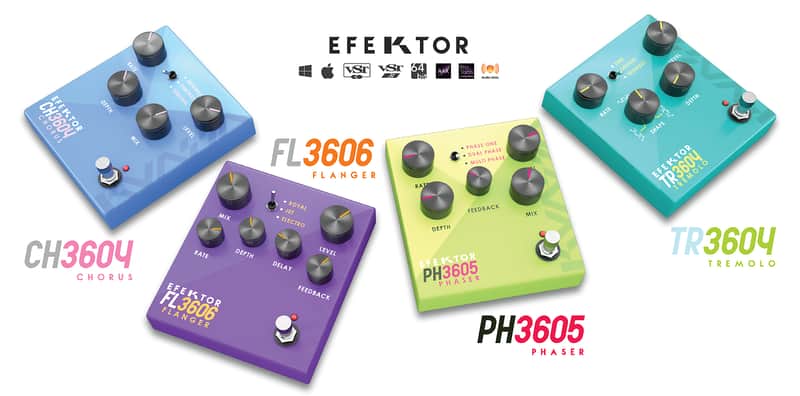
Modulation for the masses.
What it is:
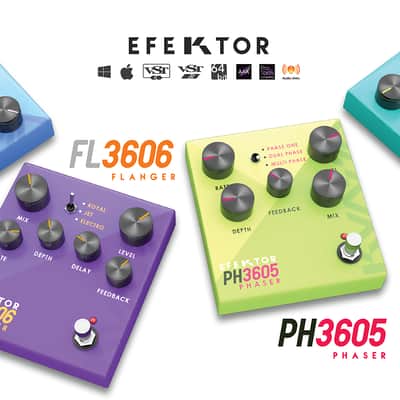
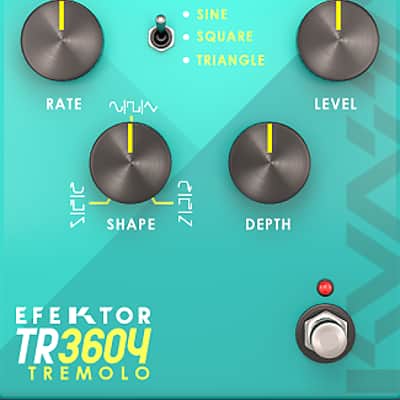
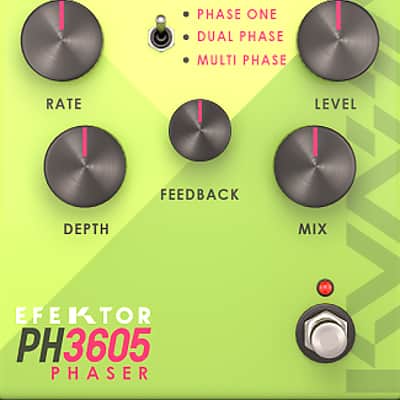
Kuassa's phaser, flanger, tremolo, and chorus Efektor plugins.
How we use it:
From subtle stereo spreading to drastic jet flanging - add life to lackluster tracks.
Why it's cool:
Each effect in the modulation bundle compliments the next in a unique and musical way. Following the footsteps of our Efektor Distortion Bundle, the newest addition to the Efektor series we studied and examined more than 20 models of fabled modulation effects from the 1950s to the last decade. Modulation type effects are widely used by organ/synth players, guitarists, and studio engineers to add width, depth, and movement to the original sound. In this latest bundle, we collect the prominent ones and packed them into four devices.
Compatibility
Installation Instructions
What it is:
Kuassa's phaser, flanger, tremolo, and chorus Efektor plugins.
How we use it:
From subtle stereo spreading to drastic jet flanging - add life to lackluster tracks.
Why it's cool:
Each effect in the modulation bundle compliments the next in a unique and musical way. Following the footsteps of our Efektor Distortion Bundle, the newest addition to the Efektor series we studied and examined more than 20 models of fabled modulation effects from the 1950s to the last decade. Modulation type effects are widely used by organ/synth players, guitarists, and studio engineers to add width, depth, and movement to the original sound. In this latest bundle, we collect the prominent ones and packed them into four devices.
Compatibility
- Windows XP, Vista, 7, or Later (32/64-bit)
- Mac OS 10.5 or later (32/64-bit)
- VST, VST3, Audio Units or AAX compatible Host Software
Installation Instructions
- After completing a purchase,
Reverb's system will automatically send you a purchase receipt along with
a unique 18-digit [Order ID] with format like this: ABC0000ABC-XXXX-XXXXX
- Download the correct installer
for your DAW here: http://kuassa.com/downloads
. We supports VST, VST3, Audio Unit and AAX (and Standalone for the Amp Sims),
then make sure it runs inside your DAW.
- Visit the Member Area here: https://member.kuassa.com or through the [Support]
drop-down menu from the kuassa.com main page
- To gain access, click [register] and fill all
the required fields. You don’t need to
provide the same credentials as the ones you entered when you do a purchase.
- After registering, our system
will automatically send a confirmation email to your inbox containing an
[Activation Code]. Simply click the confirmation link provided, or copy the
[Activation Code] and paste to the Member Area form.
- You can sign in with the email
address and password right after the [Activation Code] is successfully entered.
- Once inside the Member Area, to add your
purchased plugins, click on [Register New Product] and enter your [Order ID].
Then download the [License File] which looks like this: ProductName.kuassa
- You can download the
License File at any time from your Member Page by clicking on the [Download]
button for related product(s).
- Use the [License
File] to authorize your Kuassa plug-in using the [File] button on the top left of the plug-in’s interface, then
point it to the [License File]
- Done! Visit: http://kuassa.com/redeem or e-mail [email protected] if you need assistance.