Sinevibes Creative Collection
New Price€163.28
Incl. VAT
Instant Download
This listing has ended
See similar gear from other Reverb sellers
Listed:over a month ago
Views:786
Watchers:12
Offers:3

Chicago, IL, United States
Our users rate Reverb
Never settle with this impactful effects suite from Sinevibes.
What it is:
A suite of inventive effects from the minds at Sinevibes.
How we use it:
Take a track left of center with intoxicating dirt, delay, and modulation.
Why it's cool:
Sinevibes' Creative Collection often inspires a new direction in your workflow. Sinevibes Corrosion
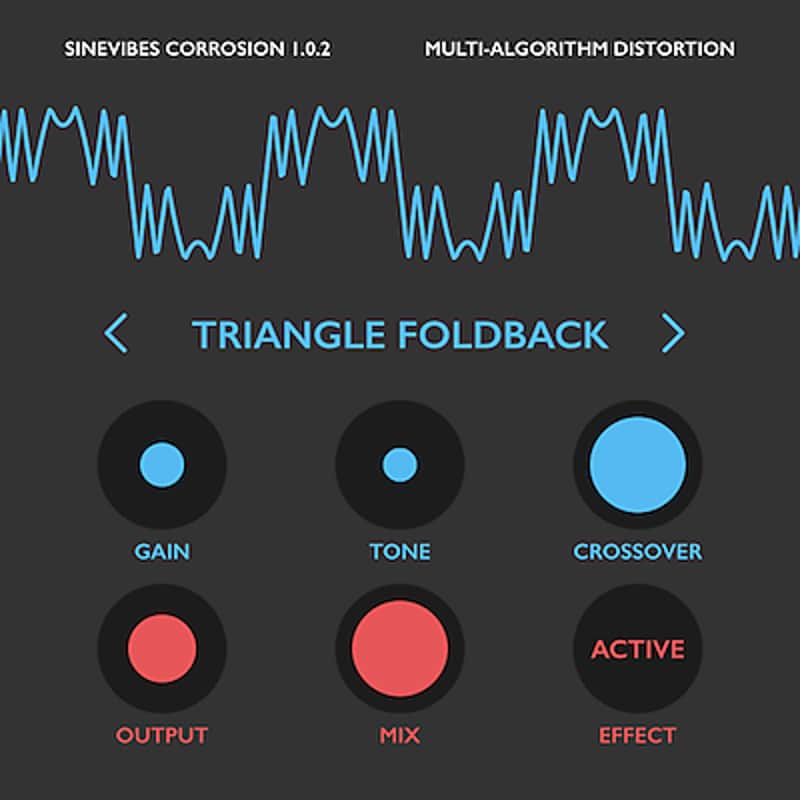
Multi-Algorithmic Distortion - a creative way to add custom distortion sound to any tone.
Sinevibes Dipole
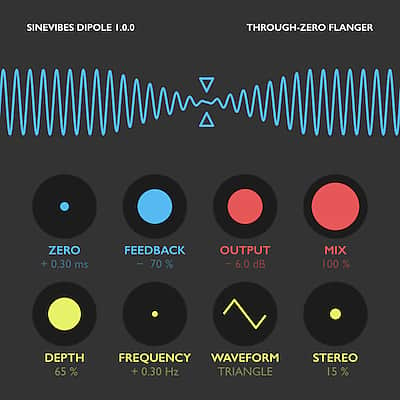
Stand out from the crowd with this charismatic through-zero flanger.
Sinevibes Dispersion
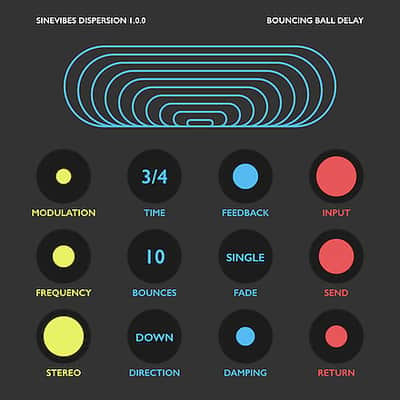
Bouncing Ball Delay - from the dreamers at Sinevibes, Dispersion delivers a wide array of delay effects that feature multiple feedback tail shaping and modulation options.
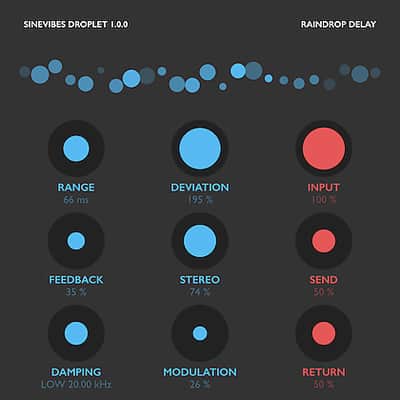
Sinevibes Droplet:
Granular clouds, dreamy spaces, and lush, chorused reverbs.
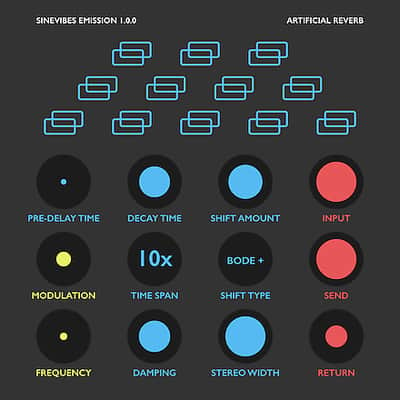
Sinevibes Emission
Emission - reverb for the experimentalist, and so much more.
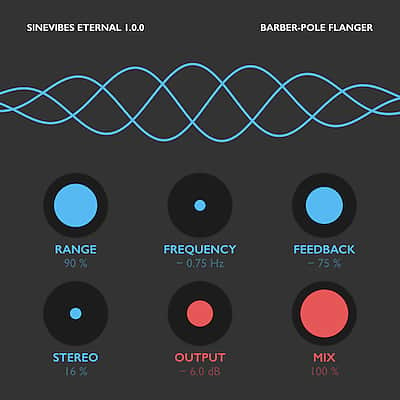
Sinevibes Eternal
Atypical, multi-directional, barber-pole flanger from Sinevibes.
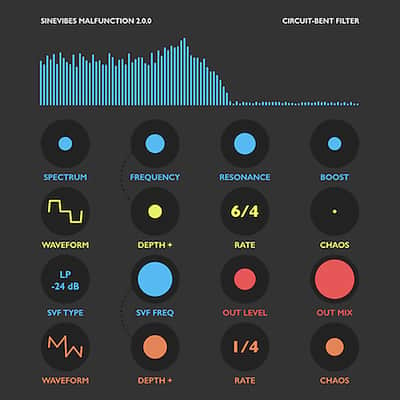
Sinevibes Malfunction
Looking to add glitch and spontaneity to the mix? Malfunction's got you covered.
Sinevibes Whirl:
Deceptively brilliant phaser plugin sporting two modes: classic and barber-pole all-pass.
Compatibility
Installation Instructions
General Instructions:
What's new?
Dipole 1.0.2
What it is:
A suite of inventive effects from the minds at Sinevibes.
How we use it:
Take a track left of center with intoxicating dirt, delay, and modulation.
Why it's cool:
Sinevibes' Creative Collection often inspires a new direction in your workflow. Sinevibes Corrosion
Multi-Algorithmic Distortion - a creative way to add custom distortion sound to any tone.
Sinevibes Dipole
Stand out from the crowd with this charismatic through-zero flanger.
Sinevibes Dispersion
Bouncing Ball Delay - from the dreamers at Sinevibes, Dispersion delivers a wide array of delay effects that feature multiple feedback tail shaping and modulation options.
Sinevibes Droplet:
Granular clouds, dreamy spaces, and lush, chorused reverbs.
Sinevibes Emission
Emission - reverb for the experimentalist, and so much more.
Sinevibes Eternal
Atypical, multi-directional, barber-pole flanger from Sinevibes.
Sinevibes Malfunction
Looking to add glitch and spontaneity to the mix? Malfunction's got you covered.
Sinevibes Whirl:
Deceptively brilliant phaser plugin sporting two modes: classic and barber-pole all-pass.
Compatibility
- Works with any application that supports Audio Unit effect plugins.
- Supports OS X 10.6 or later running on 32 or 64 bit Intel Macs.
Installation Instructions
General Instructions:
- We auto-detect your computer operating system, so just click the download button above.
- Find the downloaded plugin (it's in your computer's download folder, or wherever you've chosen to save it) and double click the installer.
- A plugin installer window will open. Simply go through the installation process.
- We will also send you an email with a link to re-download in case you need it.
- If Ableton Live is closed, open it and skip to #5.
- If Ableton Live is already open, go to Preferences.
- Go to Files & Folder.
- Click "Rescan plugins".
- Find the plugin in the Ableton plugins folder in the sidebar.
- Drag-and-drop the plugin onto your track at the bottom of the screen.
- Open Logic Pro X. Newly installed plugins should be detected automatically every time Logic is opened.
- If you've downloaded an effect or utility plugin, these can be used on an insert for any track in the mixer.
- Create a software instrument track if you downloaded a virtual instrument plugin.
- Under Default Patch, go to AU Instruments and choose the plugin you just installed.
- Go to the Reverb SYNC Software and plugin Collection.
- Choose your desired plugin.
- Reverb will auto-detect your platform, so simply click the download button.
- Continue the installation process by following the prompt.
- Hover your mouse over the smart control button.
- Click Show Inspector icon.
- Click on plugins and choose your desired plugin.
What's new?
Dipole 1.0.2
- Fixed continuous plugin parameters that were incorrectly specified as binary.
- Dramatically reduced processor load in modulation stage.
- Improved buffer allocation for enhanced stability.
- Added new factory presets.
- Fixed continuous plugin parameters that were incorrectly specified as binary.
- Fixed continuous plugin parameters that were incorrectly specified as binary.
- Added new factory presets.