Audioutlaw | MIDI Input Assistant
Prix€32.53
TVA incl.
Téléchargement instantané
Cette annonce est terminée
Découvrez du matériel similaire proposé par d'autres vendeurs Reverb
Mis en ligne:il y a plus d'un mois
Vues:10 824
Ajouts aux favoris:30
Offres:6

Chicago, IL, États-Unis
A musical data monitor for the modern musician.
What it is:
A Max For Live patch, fully-featured MIDI monitor and information center incorporating a robust selection of utilities.
How we use it:
Use In Key mode to send MIDI data only within a chosen scale.
Why it's cool:
A centralized musical information center, allowing translation of note data between several instruments, including the ability to automatically correct your playing pitch-wise.Reverb Exclusive | Audioutlaw - MIDI Input Assistant
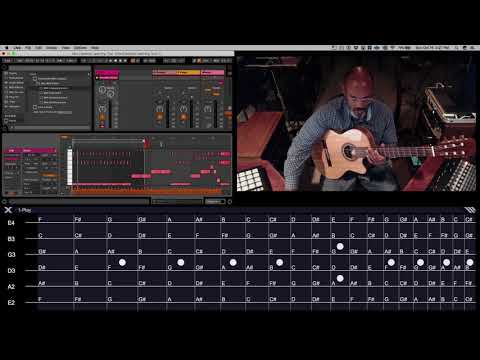
A Musical Monitor for Modern Musicians - MIDI Input Assistant (MIA) is a fully-featured MIDI Monitor and Information Center with a generously effective selection of real-time data displays.
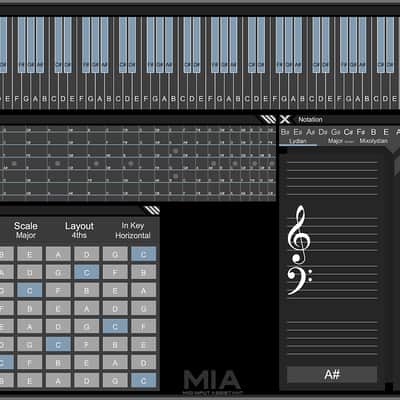
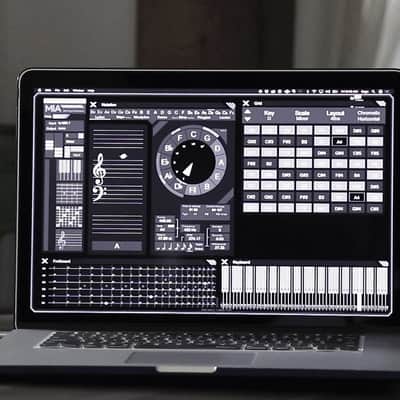
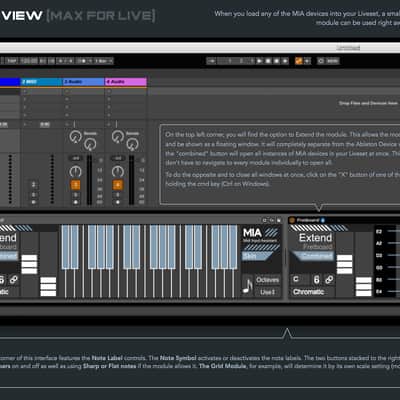
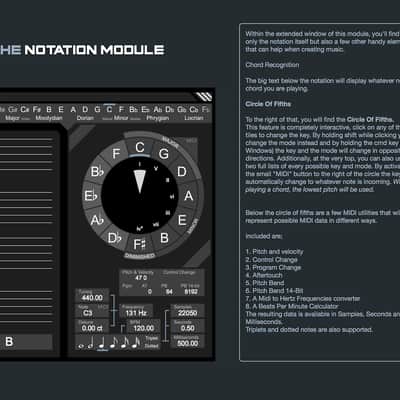
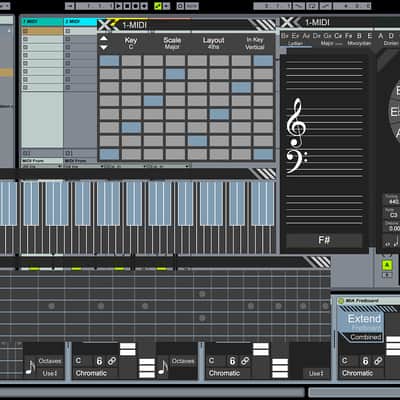
Featuring a Piano Keyboard, Guitar Fretboard, Virtual Ableton Push and Score Notation displays, MIA also includes interactive Circle of Fifths and Hertz conversion charts. This distinct musical utility employs a prominent Heads-Up-Display, which while highlighting real-time incoming musical data, can also correct your playing to a chosen root, key, and/or modal scale.
Key Features:
Compatibility
System Requirements:
***This Software Requires Max For Live***
Installation Instructions
Installation Instructions:
Download Max:
What's new?
Audioutlaw_MIA_V1b:
- Improved Ableton Live 10 Integration
What it is:
A Max For Live patch, fully-featured MIDI monitor and information center incorporating a robust selection of utilities.
How we use it:
Use In Key mode to send MIDI data only within a chosen scale.
Why it's cool:
A centralized musical information center, allowing translation of note data between several instruments, including the ability to automatically correct your playing pitch-wise.Reverb Exclusive | Audioutlaw - MIDI Input Assistant
A Musical Monitor for Modern Musicians - MIDI Input Assistant (MIA) is a fully-featured MIDI Monitor and Information Center with a generously effective selection of real-time data displays.
Featuring a Piano Keyboard, Guitar Fretboard, Virtual Ableton Push and Score Notation displays, MIA also includes interactive Circle of Fifths and Hertz conversion charts. This distinct musical utility employs a prominent Heads-Up-Display, which while highlighting real-time incoming musical data, can also correct your playing to a chosen root, key, and/or modal scale.
Key Features:
- Max For Live Patch *Requires Max For Live*
- Monitor, convert, and provide MIDI input for musical projects
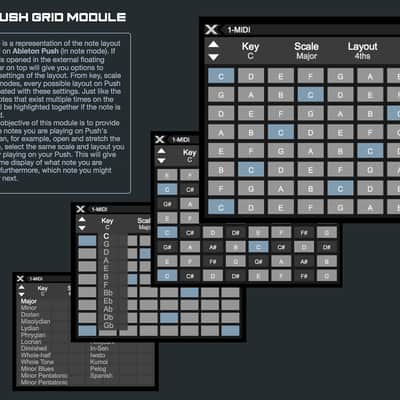
- Translate note data between Piano Keyboard, Guitar Fretboard, Virtual Ableton Push Display, Score Notation, Circle of Fifths, MIDI to Hertz, MIDI CC, Program Change, Aftertouch, and a BPM Calculator
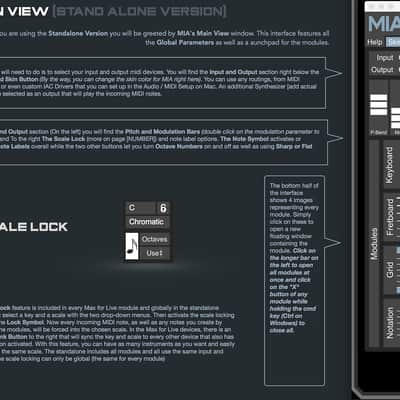
- In Key mode can send MIDI data within a specified key and display only available notes in that scale
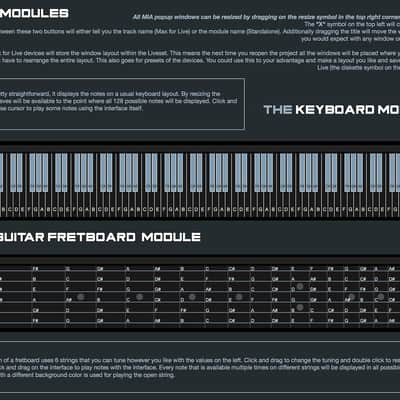
- Piano Keyboard, Guitar Fretboard, and Push Grid with expanded MIDI view display that act as virtual MIDI controllers
- The Chord Recognition feature detects the notes you are playing and generates a display of possible chord combinations
- Similar to tablature, both Piano Keyboard and Guitar Fretboard have a graphic note display, highlighting all the notes on the instruments
- Each string on the Guitar Fretboard can be customized to a specified tuning
- Interface features modular windows independently resizable
- Selectable graphical interface color-way preference
- Convenient compatiblity with any MIDI controller
Compatibility
System Requirements:
***This Software Requires Max For Live***
- Intel® Mac with Mac OS X 10.7 (or later)
- PC with Windows 7 (or later)
- Multicore processor
- 2 GB RAM
- 1024x768 display
Installation Instructions
Installation Instructions:
- Download .zip file from Reverb.
- Double click to unzip the compressed file.
- Max for Live Installer
- Standalone Installer
- Operational Manual.
- Double click and install your live pack.
- Click "Yes" to installing a “Legacy” Max for Live device.
- Find the individual Max for Live modules and drag them into a MIDI track.
Download Max:
- Launch Max, follow the instructions to activate the demo.
- Open the MIA.xmf file.
- Once Installed, double click the app to launch.
What's new?
Audioutlaw_MIA_V1b:
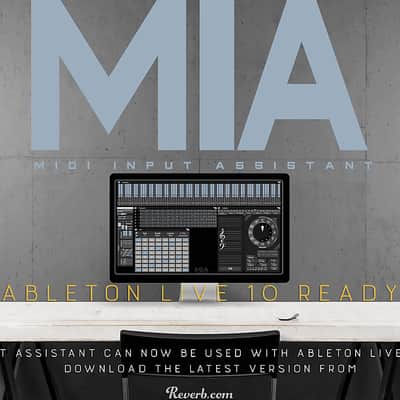
- Improved Ableton Live 10 Integration
| Marque | |
|---|---|
| Modèle |
|
| Catégories |
Des informations concernant la sécurité des produits peuvent être disponibles ici.